My fascination with computers began in middle school and high school, where I was introduced to programming in BASIC on a Commodore and Apple II. At the time, computers were unaffordable for most people, so I lost interest and put my passion on hold. Decades passed, and with the advent of Windows 95, I finally got a chance to explore the world of computing again.
Blog

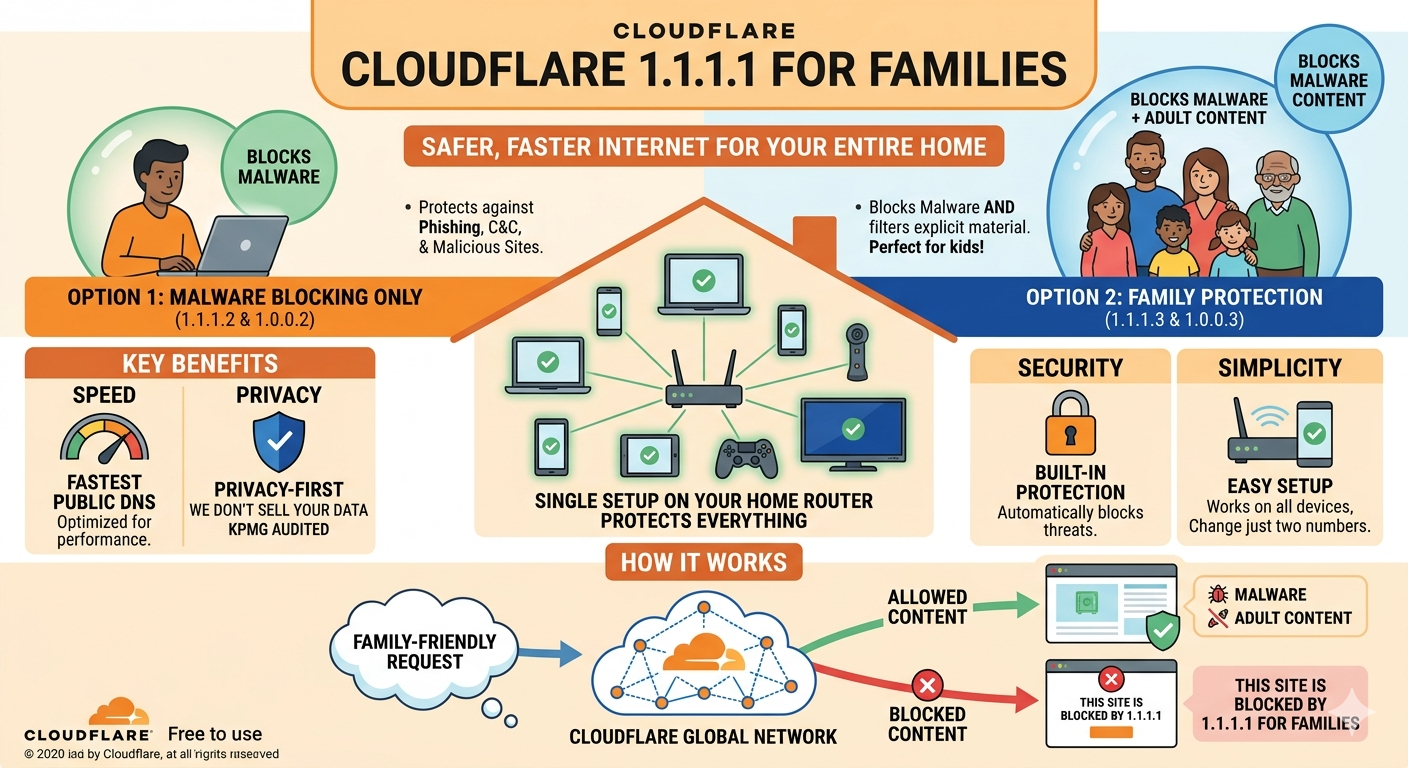
  • Cloudflare 1.1.1.1 for Families

    Protecting Your Network with Cloudflare DNS Family

    Protecting Your Network with Cloudflare DNS FamilyAs a network administrator, IT professional, or just a home user, you’re constantly looking for ways to improve security and reduce the risk of malware and unwanted content infiltrating your network. One effective solution is using Cloudflare’s DNS Family, which can help block malicious traffic and adult content at…

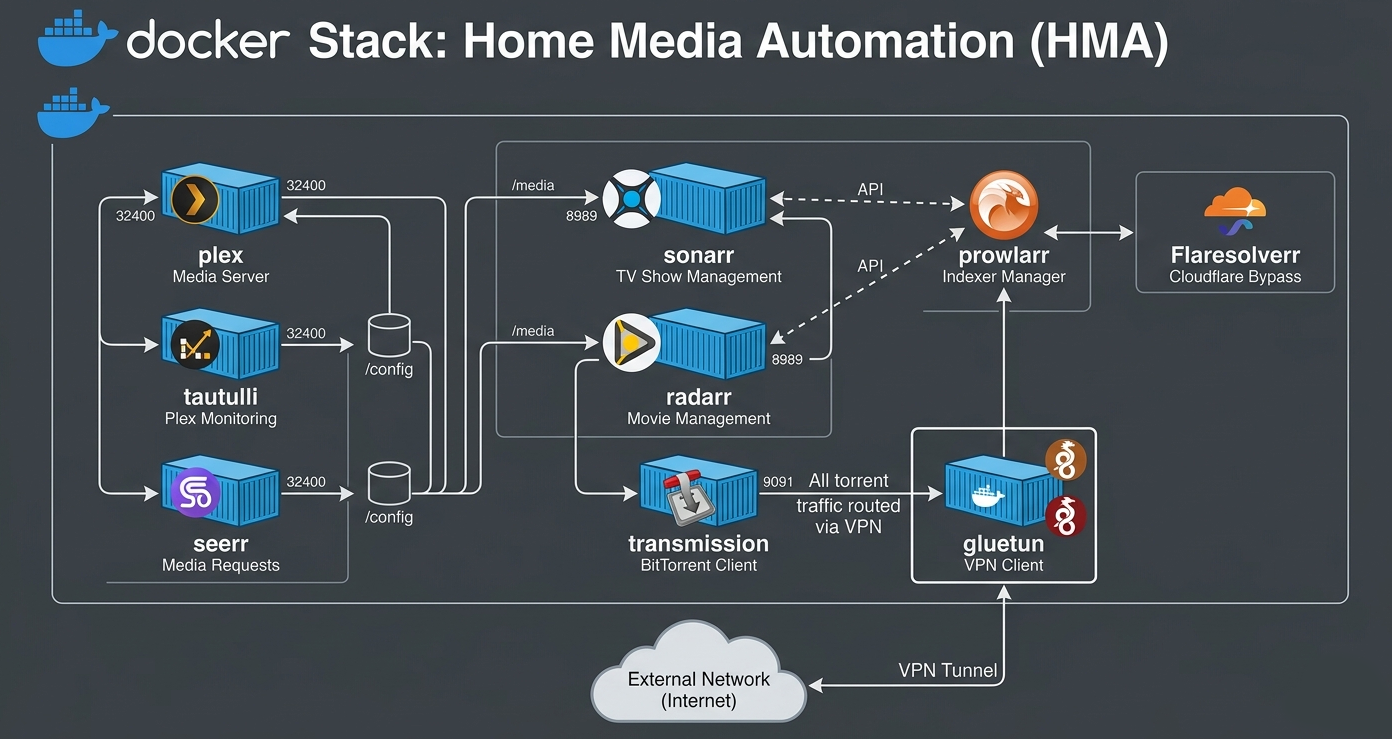
  • Docker Compose Plex with Arr’s and Torrent Client

    This is a Docker Compose file that defines a container orchestration setup for Plex media server, and automated downloads over VPN with a torrent client. Here’s a breakdown of the different components: Networking Transmission Gluetun Dependency Notes Items marked in blue should be reviewed and updated for your setup/environment. DNS Servers: Update to your dns…

  • How to get PUID and PGID

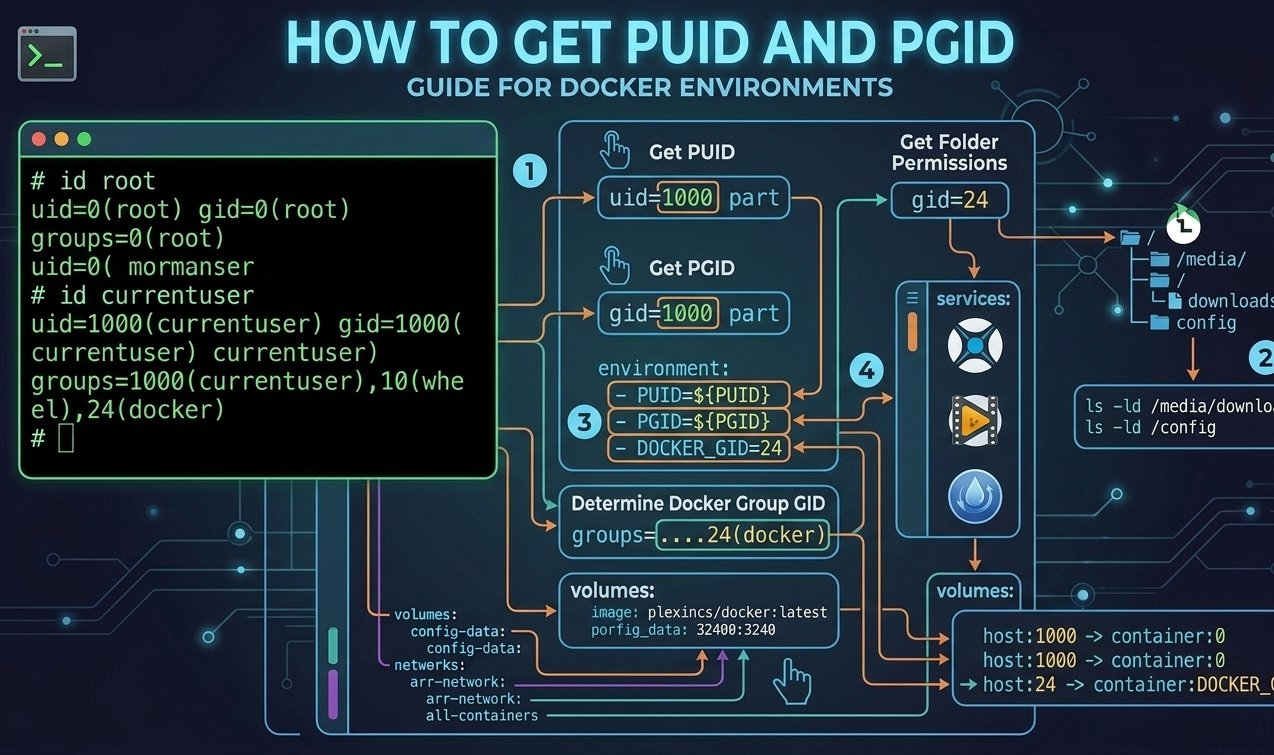
    To get your PUID (Process/User ID) and PGID (Process/Group ID) for Docker or NAS setups, open your terminal or command line and run the following command: id  This will return your user’s specific uid (PUID) and gid (PGID), which you can then pass into your Docker container’s environment variables.  For a visual step-by-step breakdown of how to find these values through…

  • Everyday Must Have Multimedia Tools

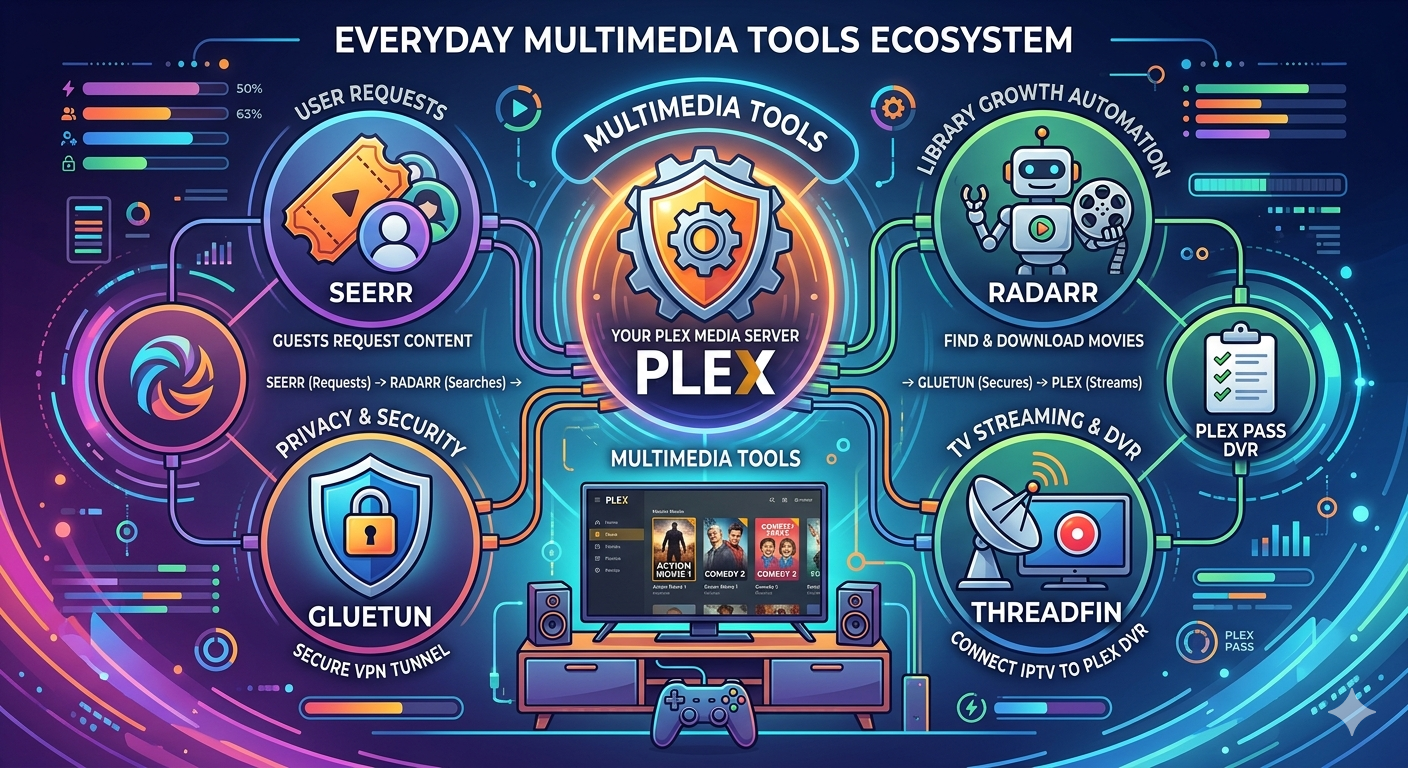
    Here is a quick rundown of some (but not all) of the apps I use for home entertainment. Our go-to is Plex, which I highly recommend for streaming your own video collection. It also has a ton of free content, and if you have a Plex Pass, the DVR feature is a total game-changer.

  • Ripping and Re-Encoding: Converting Your DVD/Bluray Collection to Digital Format with MakeMKV and HandBrake

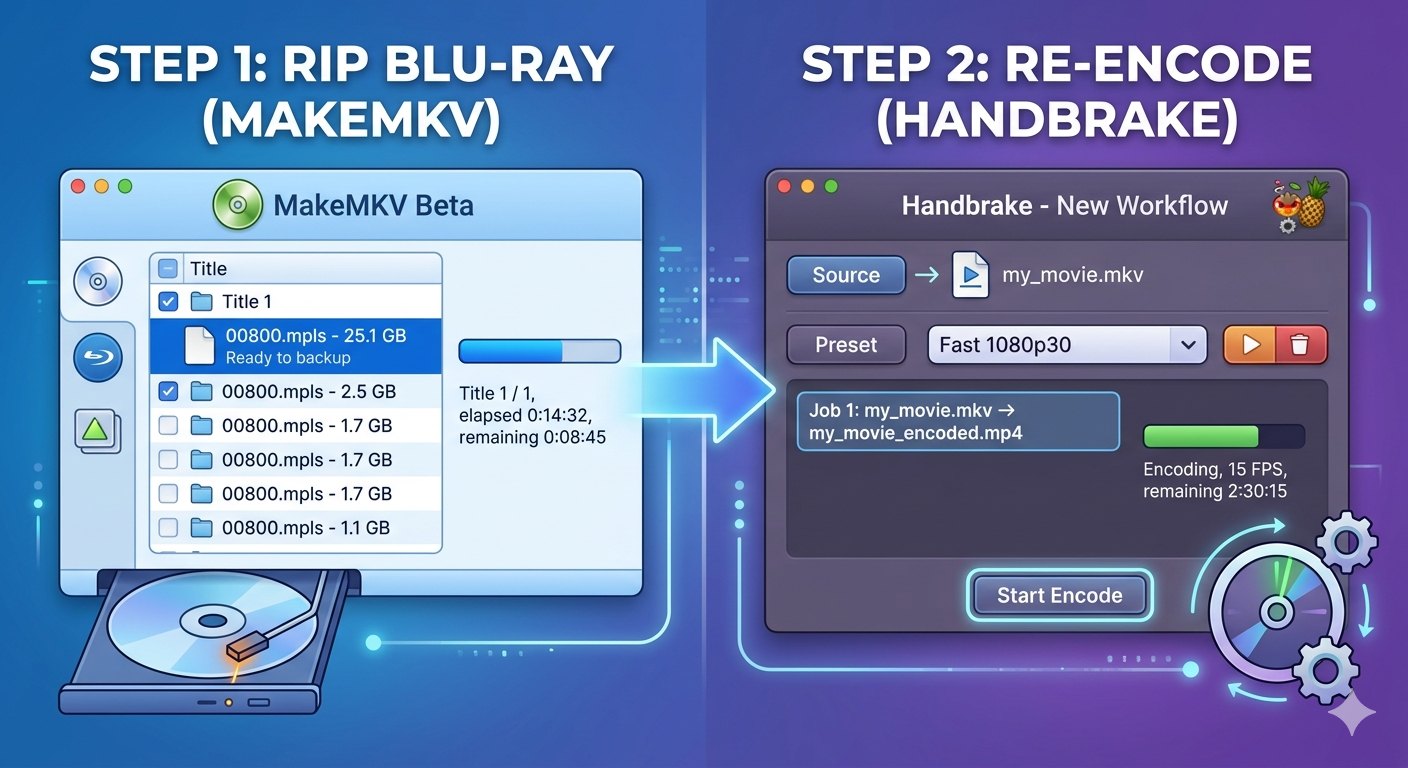
    IntroductionAs technology advances, the need to upgrade our media collections becomes increasingly important. DVDs and Blu-rays have become obsolete in today’s digital age, but many of us still hold onto them as a nostalgic reminder of the past. In this blog post, we’ll explore how to rip your DVD/Bluray collection using MakeMKV and re-encode it…

  • The Power of Handbrake: A Powerful Video Transcoding Tool

    In the world of video editing and post-production, having the right tools at your disposal is crucial. One such tool that has gained popularity in recent years is HandBrake. Developed by the team behind FFmpeg, HandBrake is a free and open-source video transcoder that has revolutionized the way we handle video files. What can Handbrake…

  • What is Docker? How to Install and Setup Docker on Windows 11

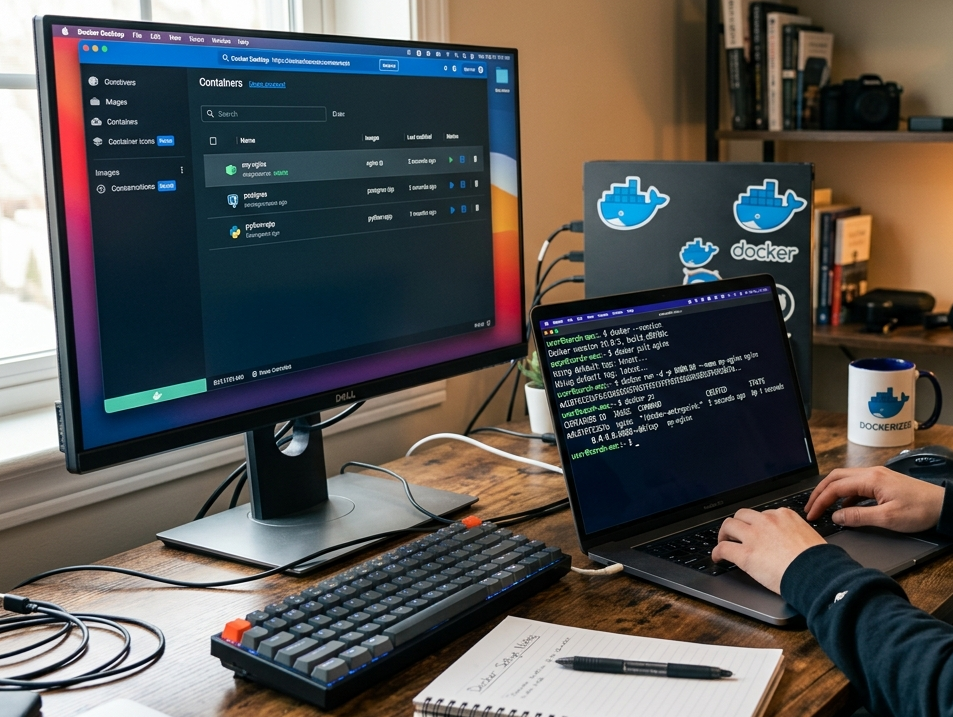
    Docker is a containerization platform that allows developers to package, ship, and run applications in containers. Containers are lightweight and portable, providing a consistent and reliable way to deploy applications across different environments. With Docker, you can create a self-contained environment for your application, including all its dependencies and libraries, which can be easily shared…

  • The Importance of Parental Controls for Kids

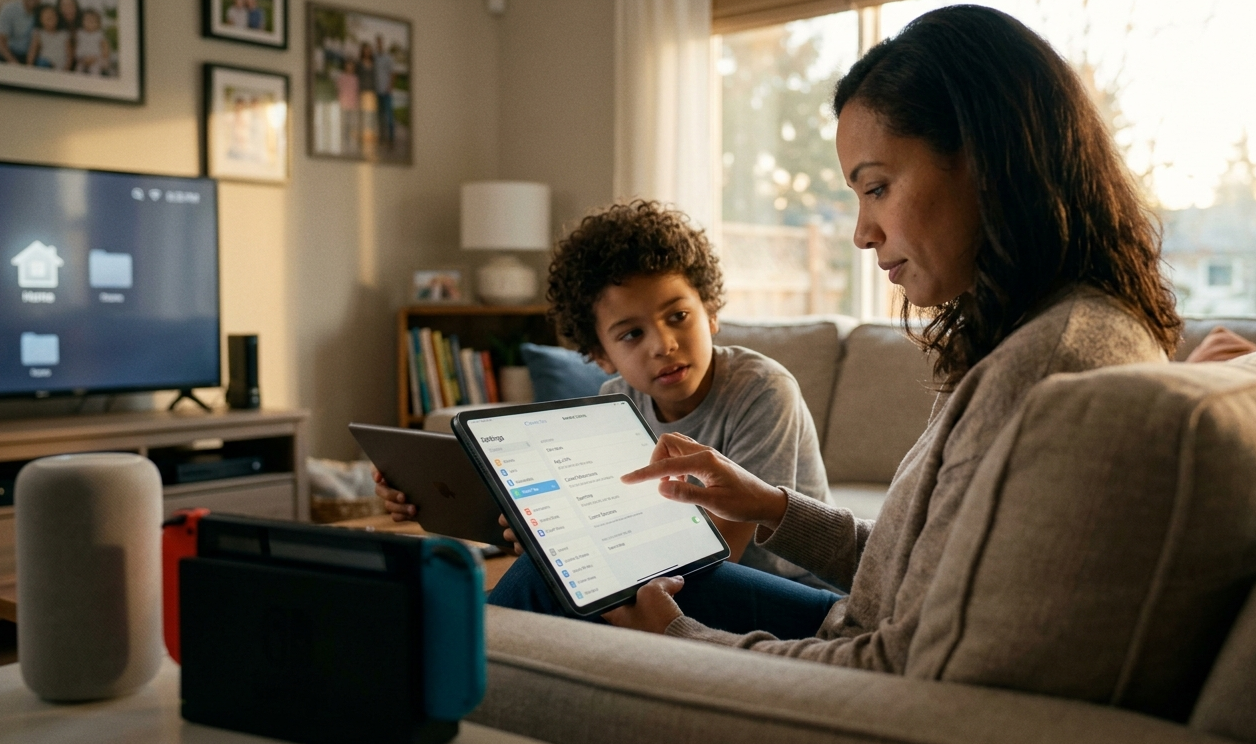
    As a parent, there’s nothing more valuable than keeping your child safe and protected from the digital world. With the increasing amount of time spent on screens by children, it’s essential to have measures in place to ensure their online safety and well-being. Parental controls are an excellent way to safeguard your child’s online activities,…

  • Setting Up TP-Link PowerLine: A Game-Changer for Your Home Network

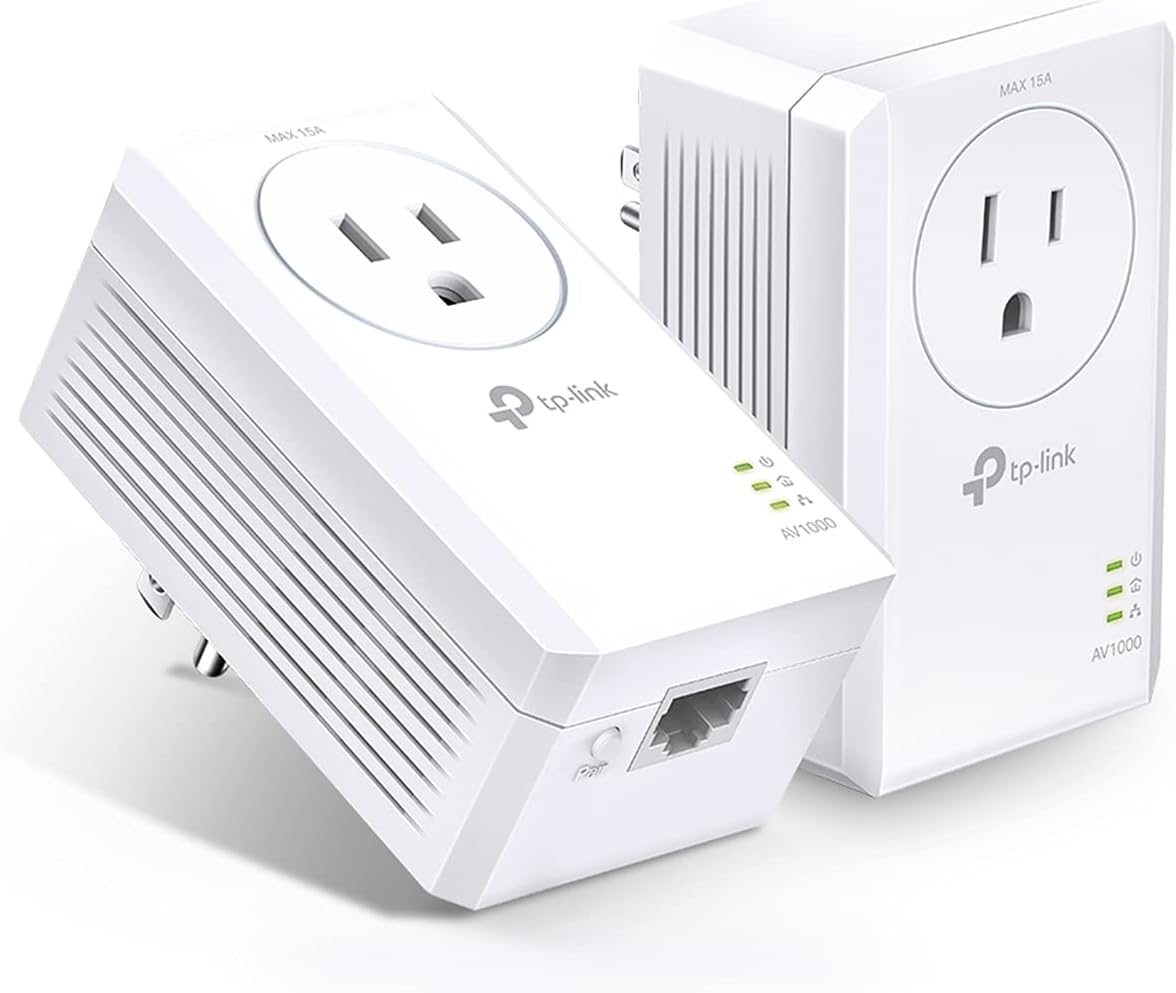
    Are you tired of dealing with slow Wi-Fi signals, dropped connections, and frustrating connectivity issues? If so, you’re not alone. Many of us have experienced these problems at some point, especially in homes with multiple devices and a large network to cover. That’s where TP-Link PowerLine comes in – a revolutionary technology that uses your…

  • Router-Based Access Control vs. VLANs

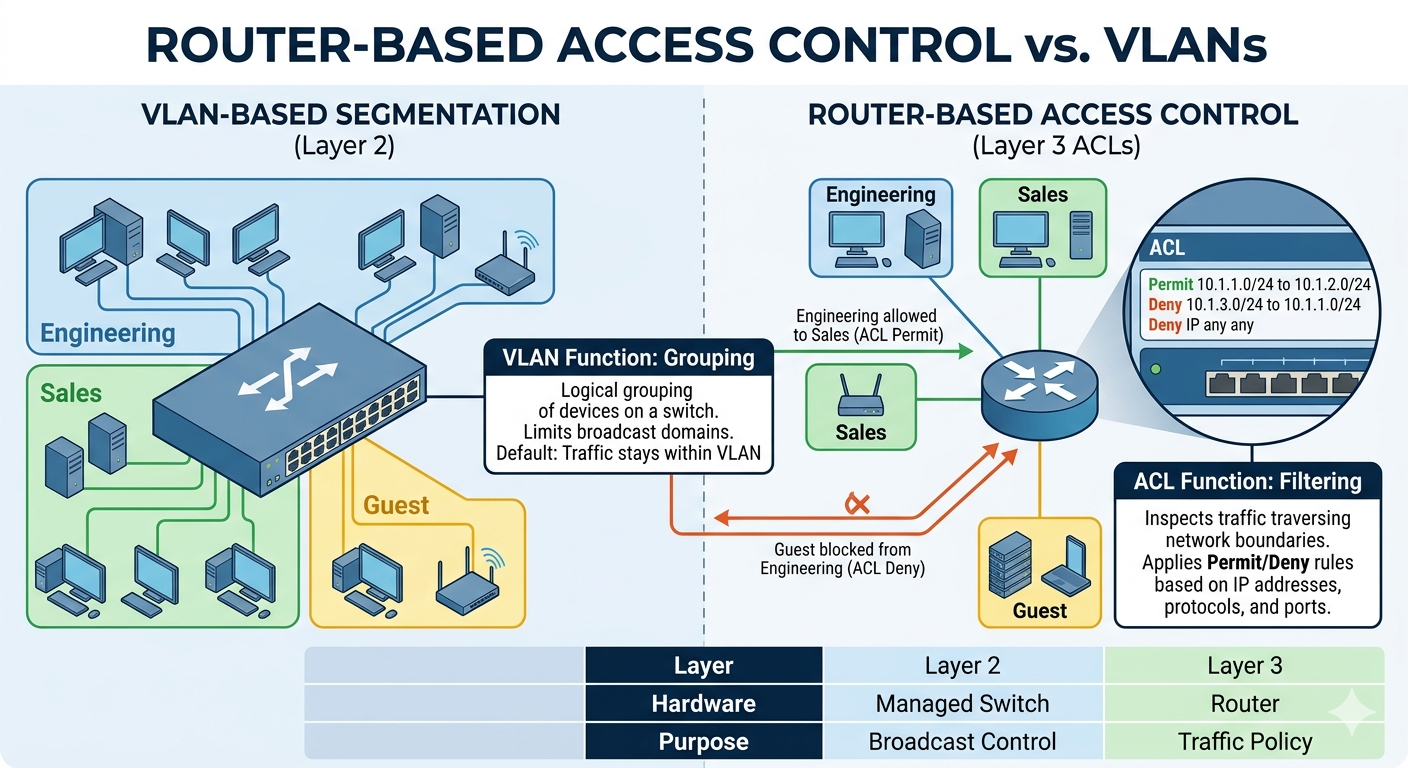
    Both router-based access control features and VLANs can be used to manage network access, but they have different strengths and weaknesses. Advantages of Router-Based Access Control Features: Simpler Configuration: Router-based access control features are often easier to configure than VLANs, especially for small home networks. Disadvantages of Router-Based Access Control Features: Advantages of VLANs: Disadvantages…