

Docker is a containerization platform that allows developers to package, ship, and run applications in containers. Containers are lightweight and portable, providing a consistent and reliable way to deploy applications across different environments.
With Docker, you can create a self-contained environment for your application, including all its dependencies and libraries, which can be easily shared and deployed across various platforms without worrying about compatibility issues.
How to Install and Setup Docker on Windows 11
Installing Docker on Windows 11 is relatively straightforward. Here are the steps:
- Download the Docker Desktop Installer: Go to the official Docker website ([https://www.docker.com/get-started](https://www.docker.com/get-started)) and download the Docker Desktop installer for Windows.
- Run the Installer: Double-click the downloaded installer file (docker-desktop.exe) and follow the prompts to install Docker.
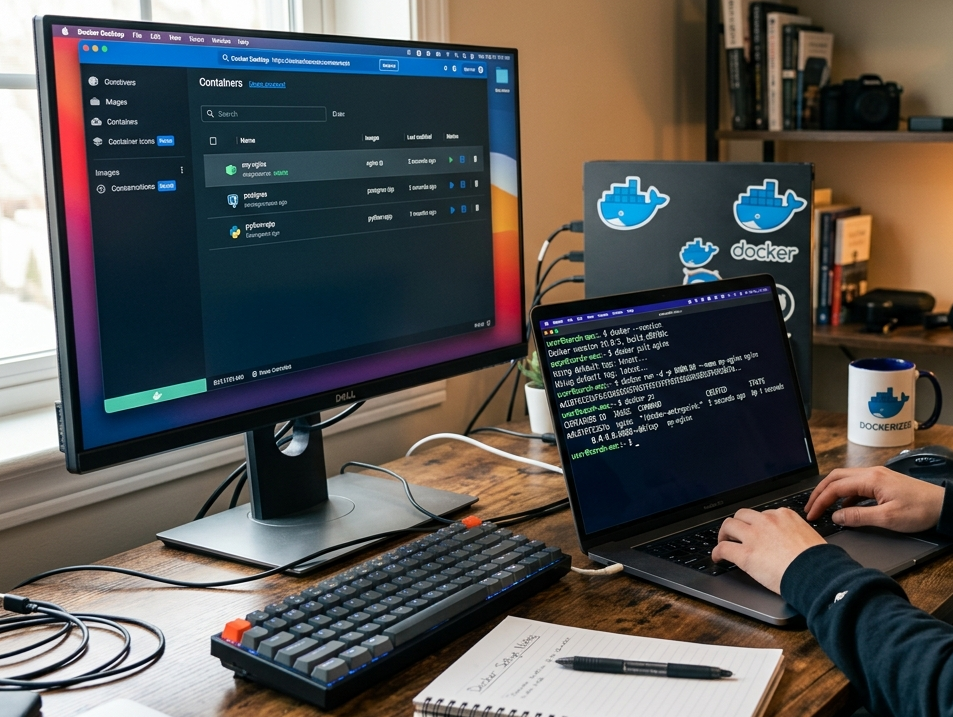
- Launch Docker Desktop: Once installation is complete, launch Docker Desktop from the Start menu or the Docker Desktop application.
- Create a New Container: To create a new container, click on “New Container” in the Docker Desktop UI. You can choose from various pre-built images, such as Ubuntu or Python, or use your own custom image.
- Run Your Application: Once the container is created, you can run your application by clicking on the “Start” button.
Additional Setup Steps
After installing and running Docker Desktop, you may want to configure some additional settings:
- Set up a user account for Docker: To ensure that Docker runs with elevated privileges, create a new user account specifically for Docker.
- Configure networking: By default, Docker uses the host’s network configuration. You can configure separate networks for your containers or use a bridge network.
- Monitor container performance: Use Docker’s built-in metrics to monitor container performance and identify potential issues.
Containerization is a versatile technology that can be applied to various types of applications, but some use cases are more well-suited than others. Here are some examples of applications that are commonly containerized:
- Web Applications: Web applications with dynamic content, such as e-commerce sites, blogs, or social media platforms, benefit from containerization. Docker containers can provide a consistent and scalable environment for web servers.
- Microservices-based Applications: With the rise of microservices architecture, containerization becomes a natural fit. Microservices are designed to be lightweight, independent, and loosely coupled, making them easy to containerize.
- Cloud-native Applications: Cloud-native applications, such as those built on Kubernetes or Serverless platforms, rely heavily on containerization. Docker containers provide a portable and efficient way to deploy cloud-native workloads.
- Machine Learning and AI Workloads: Machine learning (ML) and artificial intelligence (AI) models can be complex and computationally intensive. Containerization allows you to package ML/AI models, their dependencies, and the necessary infrastructure into a single container, making it easier to deploy and manage them.
- Real-time Data Processing Applications: Real-time data processing applications, such as those used in IoT, gaming, or financial trading, require fast and efficient execution. Containerization helps ensure that these applications can be scaled and deployed quickly.
- Legacy Application Porting: When porting legacy applications to newer technologies, containerization can help minimize the effort required. By packaging the application and its dependencies into a single container, developers can focus on modernizing the application rather than rewriting it.
- DevOps and CI/CD Pipelines: Containerization is often used in DevOps pipelines to automate testing, building, and deployment of applications. Docker containers provide a consistent environment for testing and validation.
- Gaming Applications: Modern gaming applications can be complex, with multiple dependencies and performance requirements. Containerization helps ensure that games are deployed efficiently, securely, and consistently across different environments.
Some common characteristics of well-suited applications for containerization include:
- Independent components or microservices
- Dynamic content or changing requirements
- High scalability and performance demands
- Complex or dependent architecture
- Need for portability across different environments
Keep in mind that any application can be containerized, but some may require more effort or customization than others. The key is to identify the benefits of containerization that align with your specific use case and application requirements.
That’s it! With these simple steps, you’ve successfully installed and set up Docker on Windows 11. Start exploring the world of containerization and enjoy the benefits of lightweight and portable application deployment.