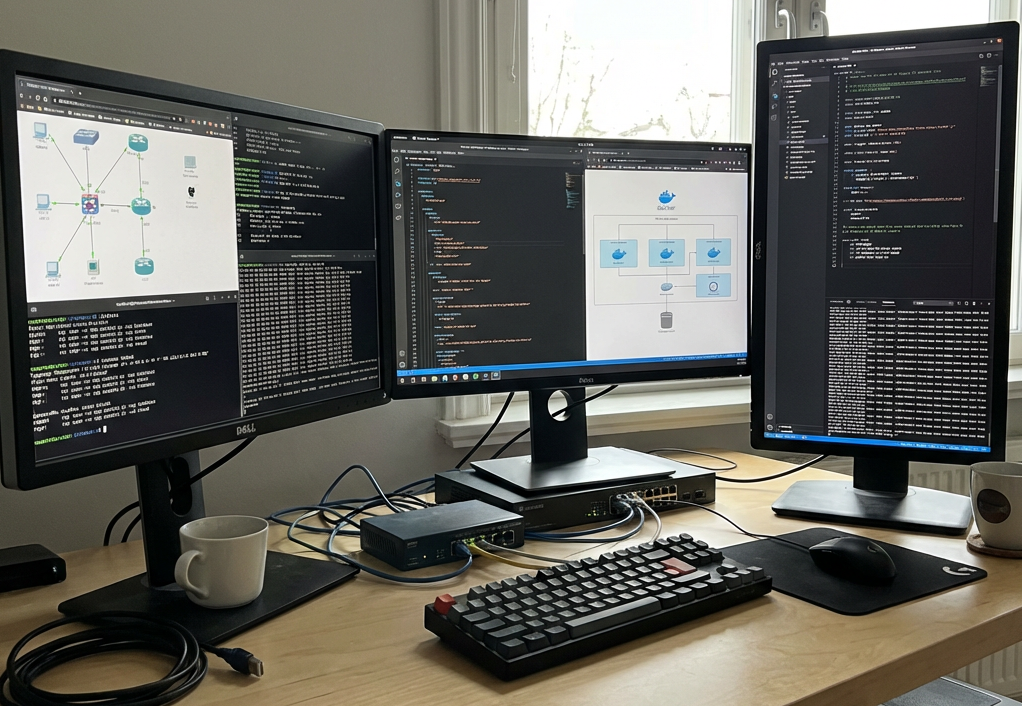

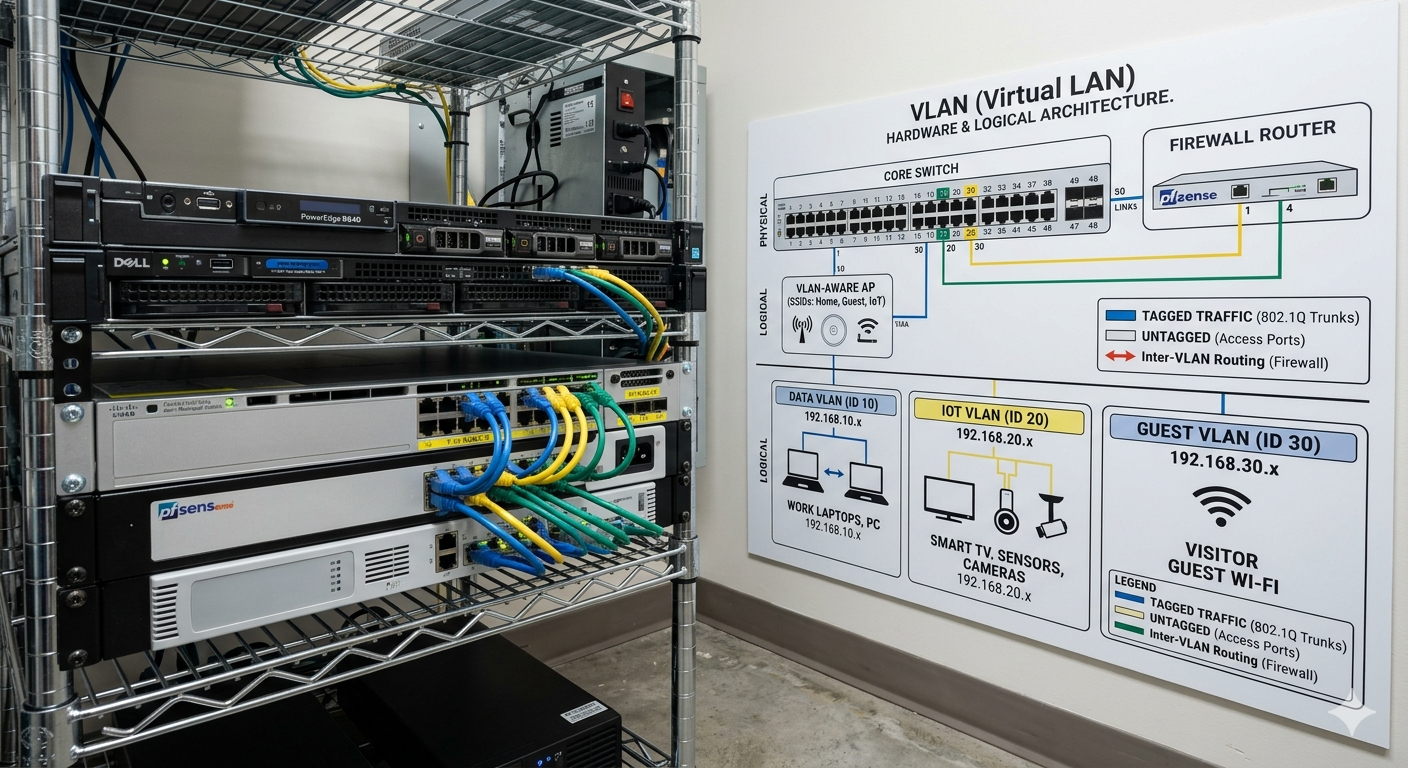

A VLAN (Virtual Local Area Network) is a technology that allows you to logically divide one physical network into multiple separate, isolated networks. Instead of buying separate routers and switches for different groups of devices, you use software to “virtually” split your existing hardware.
Why Use a VLAN at Home?
While most basic home networks use a “flat” structure where every device can talk to every other device, many users implement VLANs to address specific security and performance needs:
- Secure IoT Devices: Smart home gadgets (cameras, smart bulbs, plugs) often have weak security. Placing them on their own VLAN prevents a compromised device from accessing your personal computers or sensitive files.
- Guest Network Isolation: You can create a dedicated network for visitors that only allows internet access, ensuring they cannot see your home servers, printers, or personal devices.
- Traffic Management: By grouping high-bandwidth devices (like 4K security cameras) into their own VLAN, you can prevent their constant data streams from congesting the rest of your network.
- Parental Controls: A separate VLAN for children’s devices makes it easier to apply specific rules, such as different DNS filters (e.g., OpenDNS) or strict internet schedules.
- Reduced “Network Noise”: Devices frequently broadcast messages to find resources (like printers). VLANs keep this “broadcast traffic” contained within their specific segment, which can improve overall network efficiency.
Common Home VLAN Setups
Many advanced home users organize their networks into these typical categories:
- Main/Trusted: For primary computers, phones, and NAS devices.
- IoT/Untrusted: For smart home products with limited or no access to the main network.
- Guest: For visitors, restricted to internet-only access.
- Management: A private segment used exclusively to configure the network gear itself.
Would you like to know what specific hardware you need to start setting up VLANs at home?