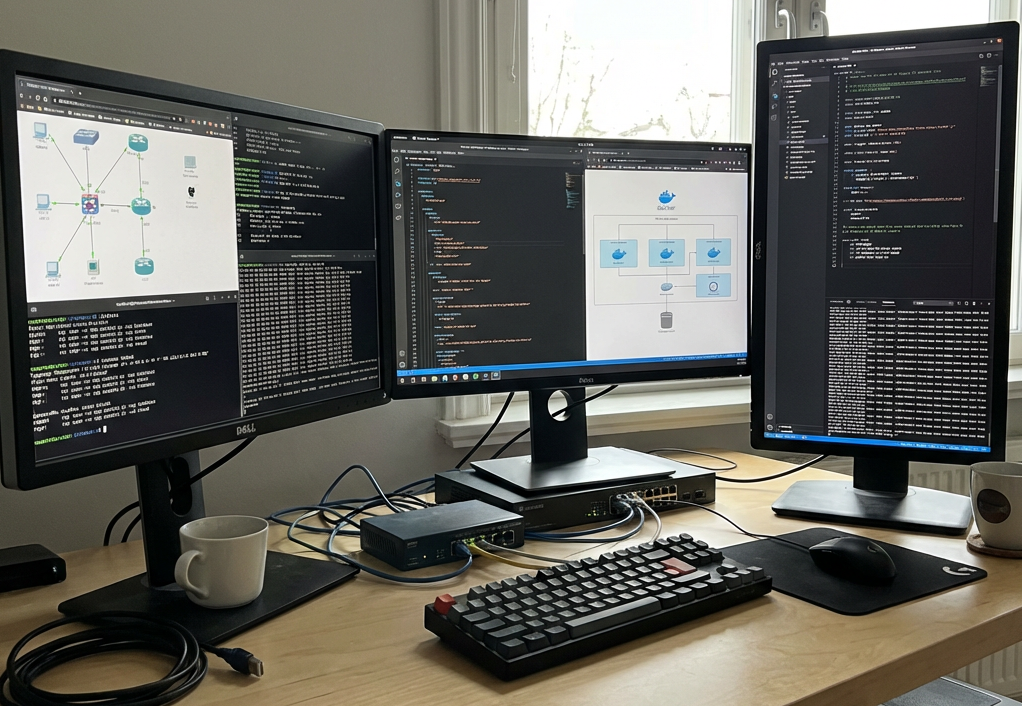

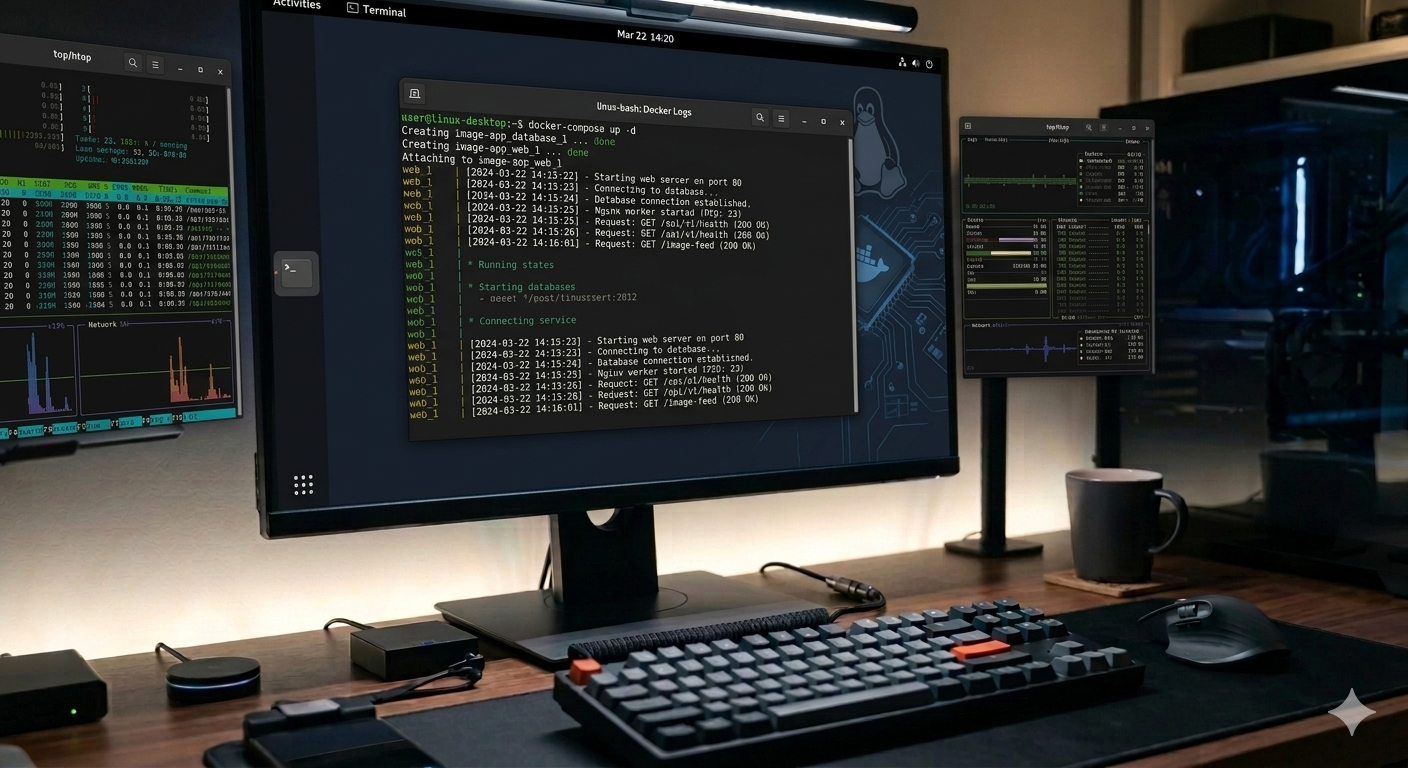

Docker is an open-source platform that uses containerization to package an application and all its required parts—such as code, libraries, and dependencies—into a single, standardized unit called a container. Unlike a traditional virtual machine (VM) that replicates an entire operating system, Docker containers share the host’s operating system kernel, making them significantly more lightweight and faster to start.
Why Use Docker?
People and organizations use Docker to solve common development and operational headaches:
- Eliminates “It Works on My Machine”: Because the container includes everything the app needs, it runs identically on a developer’s laptop, a testing server, or a production cloud environment.
- Dependency Isolation: You can run multiple applications with conflicting requirements (e.g., two different versions of Python or a database) on the same machine without them interfering with each other.
- Resource Efficiency: Since containers share the host OS kernel, they use much less RAM and CPU than virtual machines, allowing you to run more workloads on the same hardware.
- Simplified Onboarding: New team members can start working almost immediately by running a single command (like
docker-compose up) to set up a complex environment automatically, rather than spending days manually installing tools. - Scalability and Speed: Containers can be spun up or destroyed in seconds. This makes it easy to scale applications horizontally to handle traffic spikes, often using orchestration tools like Kubernetes.
- Version Control and Rollbacks: Docker images are built in layers. If a new update causes issues, you can quickly roll back to a previous known-working version of the image.
- Access to Pre-Built Software: Through Docker Hub, you can instantly download and run official, community-verified images for thousands of popular tools like databases, web servers, and AI models.
I use Docker to power almost everything in my home lab, including this WordPress site. It makes maintenance a breeze and gives me the flexibility to customize my setup right from the start.
Beyond WordPress, my current stack includes Plex Media Server, Nginx Proxy Manager, and Gluetun for VPN connectivity as well as a kill switch for other apps that rely on VPN. I’ve also been diveing into Home Assistant lately, along with various “Arr” apps (which I’ll cover in a future post).